
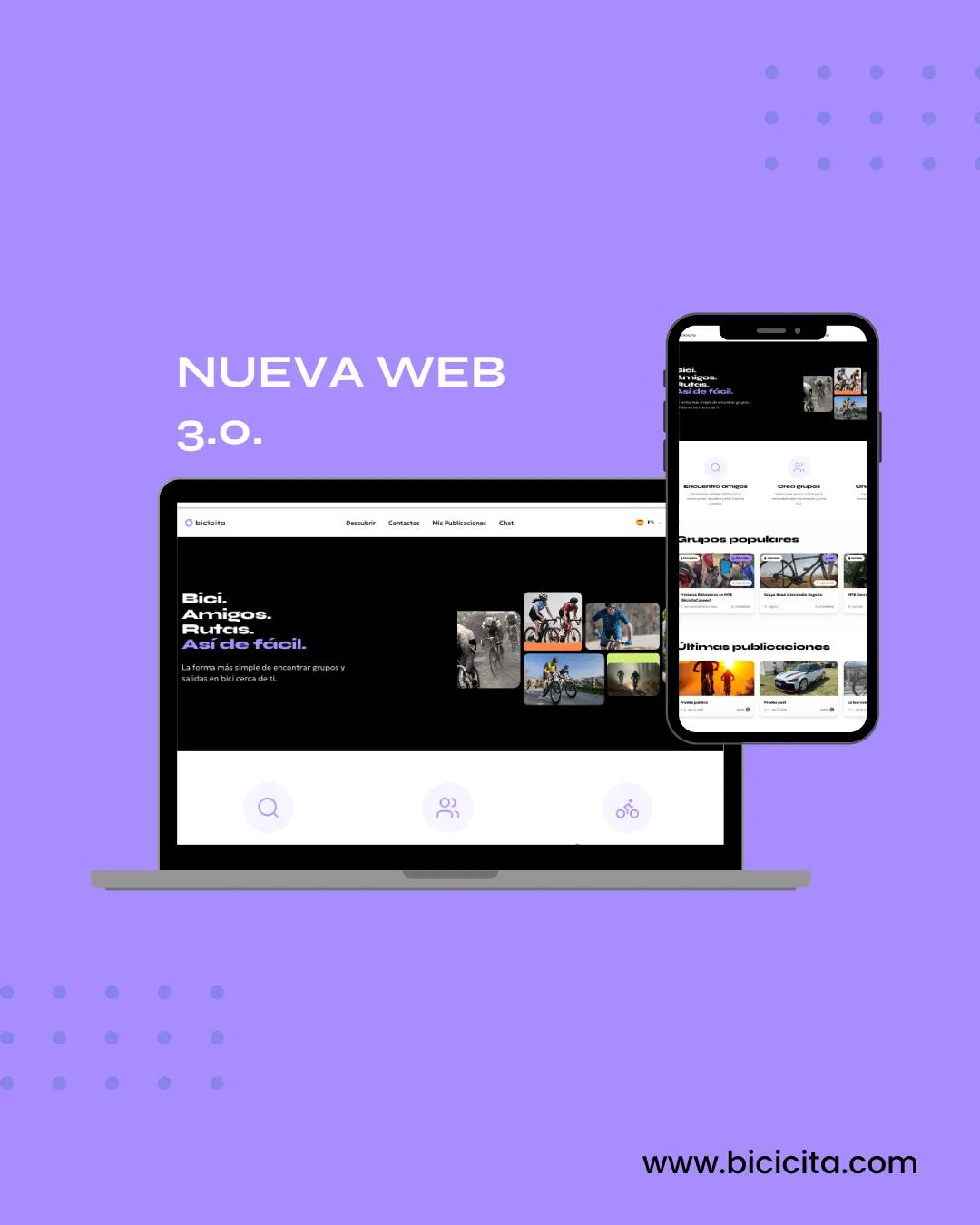
How to install Bicicita 3.0 on your mobile (Android and iPhone)

BICICITA admin
While we finish the official versions on the App Store and Google Play, Bicicita 3.0 can already be used as a web app, installed directly on your mobile device. It works just like a normal app: icon on your screen, notifications, and quick access.
On ANDROID (very easy)
1. Go to https://bicicita.com from your Android mobile device
2. Open the website with Chrome
3. A notification or menu will appear with the option “Add to home screen”
4. Accept… and that's it! Bicicita installs like any other app on your phone.
In the 3-dot menu in the upper right corner, select Add to Home screen:

And we added it to the main screen.

______________________________________________________________________________________________________________________
On iPhone (iOS) – step by step. On iPhone there is one small extra step, but it's just as simple:
1. Open Safari (important: not Chrome) and go to https://bicicita.com

2. Press the Share button (the square with the arrow ⬆️)

3. Press the 3 dots (...) More.

4. Select “Add to Home Screen” (+)

5. Confirm… and you're done

✅ 👉 You will see the Bicicita icon as if it were an installed app.

*Important to know. This is the final version of Bicicita 3.0. Everything you do here will be saved. When we release the official apps in the app stores, you'll only need to change the login credentials, not start from scratch.
Why do we do it this way? Because we want you to: Have the best version right away. Receive real feedback. Not depend on Apple and Google's timelines to start using Bicicita.
If something isn't working or you have any questions, please contact us through the app or by DM. Your feedback helps us improve the app for the entire cycling community.
Galería de fotos
1 / 1
BICICITA admin
Admin de Bicicita, ¿en que te puedo ayudar?