
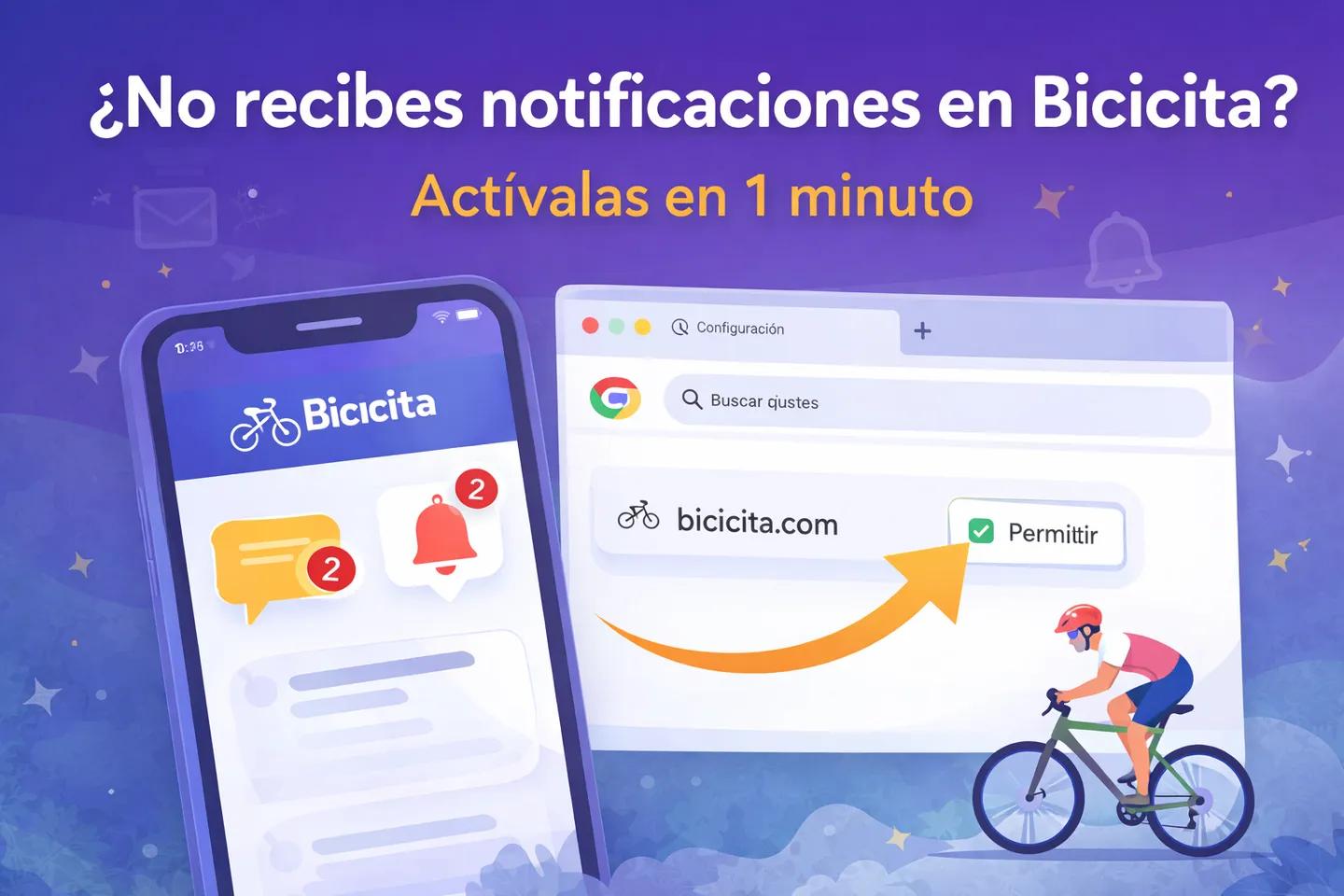
Are you not receiving messages or notifications on Bicicita?

BICICITA admin
Some users are not receiving messages or alerts. The most common cause is that they blocked notifications when they first logged in.
👉 Without active notifications, it's easy to lose track:
*messages
*friend requests
*responses to exits
✅ How to fix it (1 minute) Just enable notifications in your browser:
Open Chrome settings
Go to Privacy and Security
Click on Site Settings
Access Notifications
Search for Bicicita and switch to Allow
(See the screenshots below 👇)
⚠️ Important
If you initially rejected notifications, simply opening the app isn't enough: you need to change it in your browser settings.
Once activated
You will receive notifications again when:
*someone writes to you
*they send you a request
*There is activity on your outings
Turn on notifications and take full advantage of Bicicita Verdadero. Otherwise, you might easily miss what's important.
We have attached an example of the adjustment in Chrome:
1) Go to Settings:

2) Go to Privacy and Security:

3) Go to Site Settings:

4) Go to Notifications:

5) Grant Bicicita permission to send notifications:

6) It's already activated and you can receive notifications:

BICICITA admin
Admin de Bicicita, ¿en que te puedo ayudar?